01 / IMAGES
Hide sensitive details
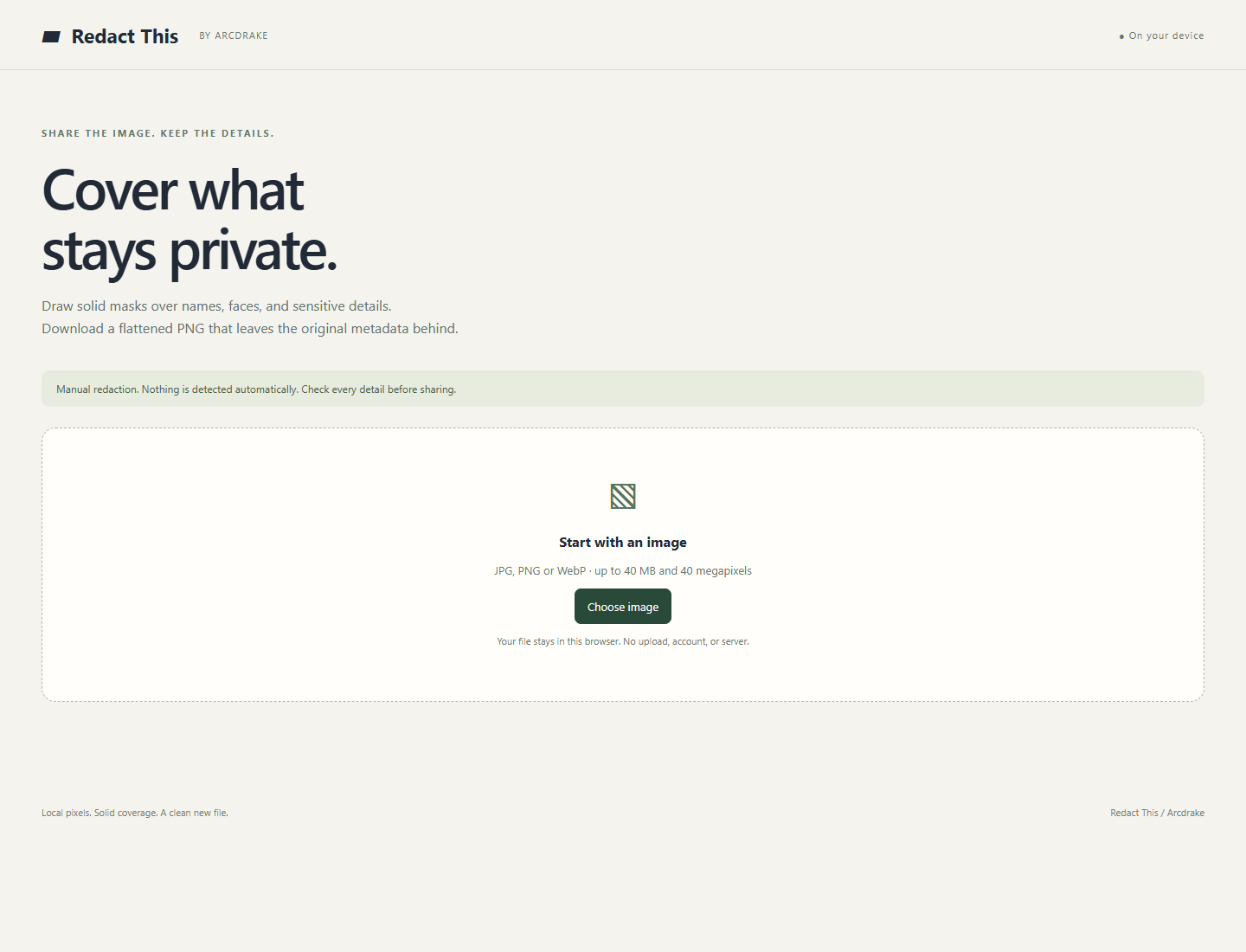
Draw solid masks over names, faces or numbers. Download a flattened PNG to share.
Your image stays in your browser. Check the result before sharing.
A LITTLE LESS FRICTION
Cover a private detail. Make an image fit.
See what’s behind a link.
Five focused tools, right in your browser.
No account. No installation.
01 / IMAGES
Draw solid masks over names, faces or numbers. Download a flattened PNG to share.
Your image stays in your browser. Check the result before sharing.
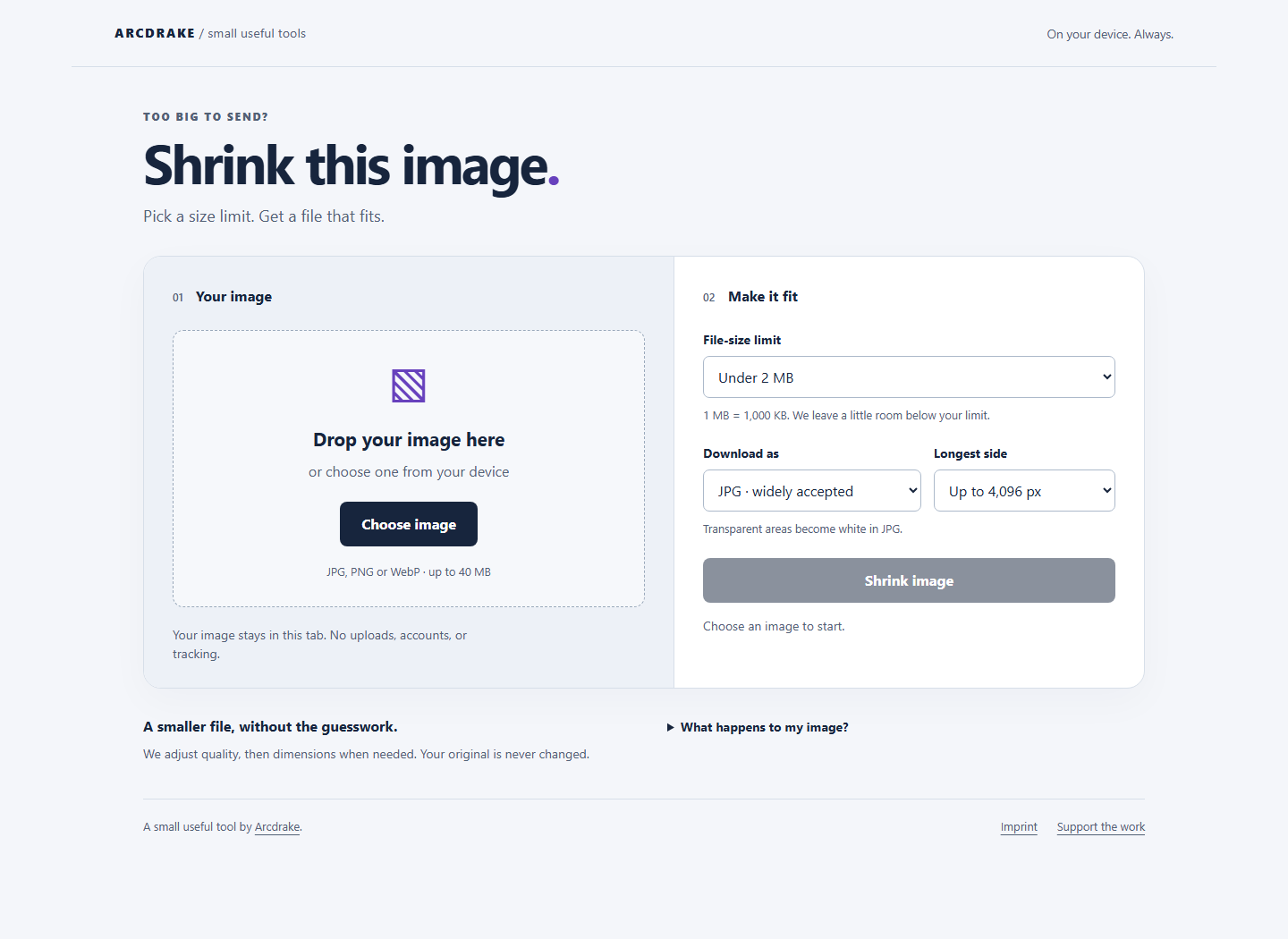
02 / IMAGES
Choose an image and a target size. Preview a smaller copy, then download it.
JPG, PNG or WebP. Your image stays in your browser.
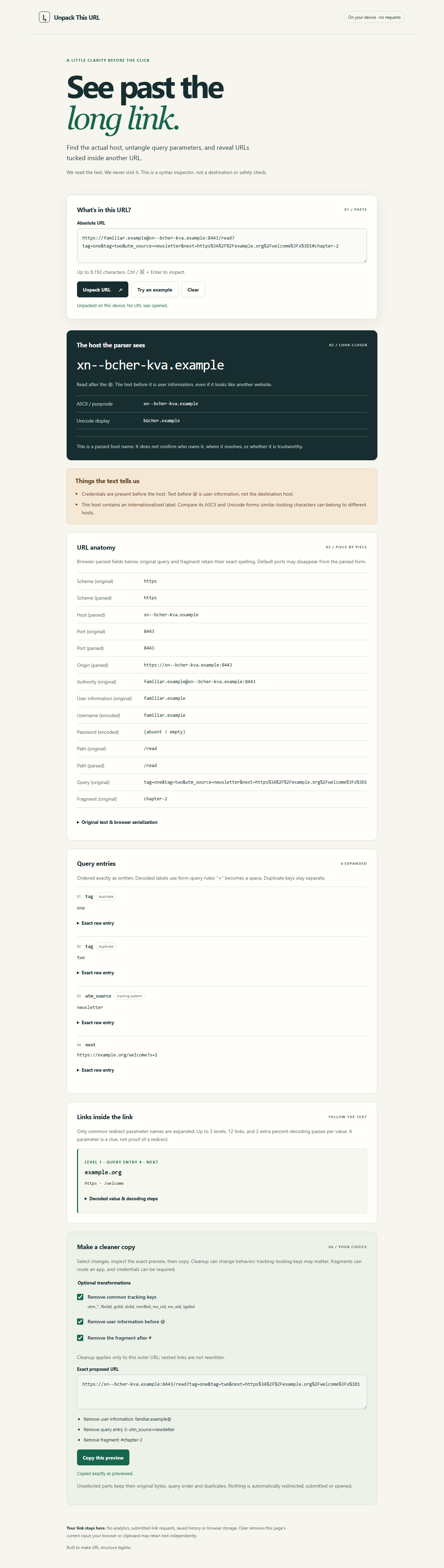
03 / LINKS
Break a URL into readable parts and inspect its parameters without visiting the destination.
The link is processed locally. This is not a safety verdict.
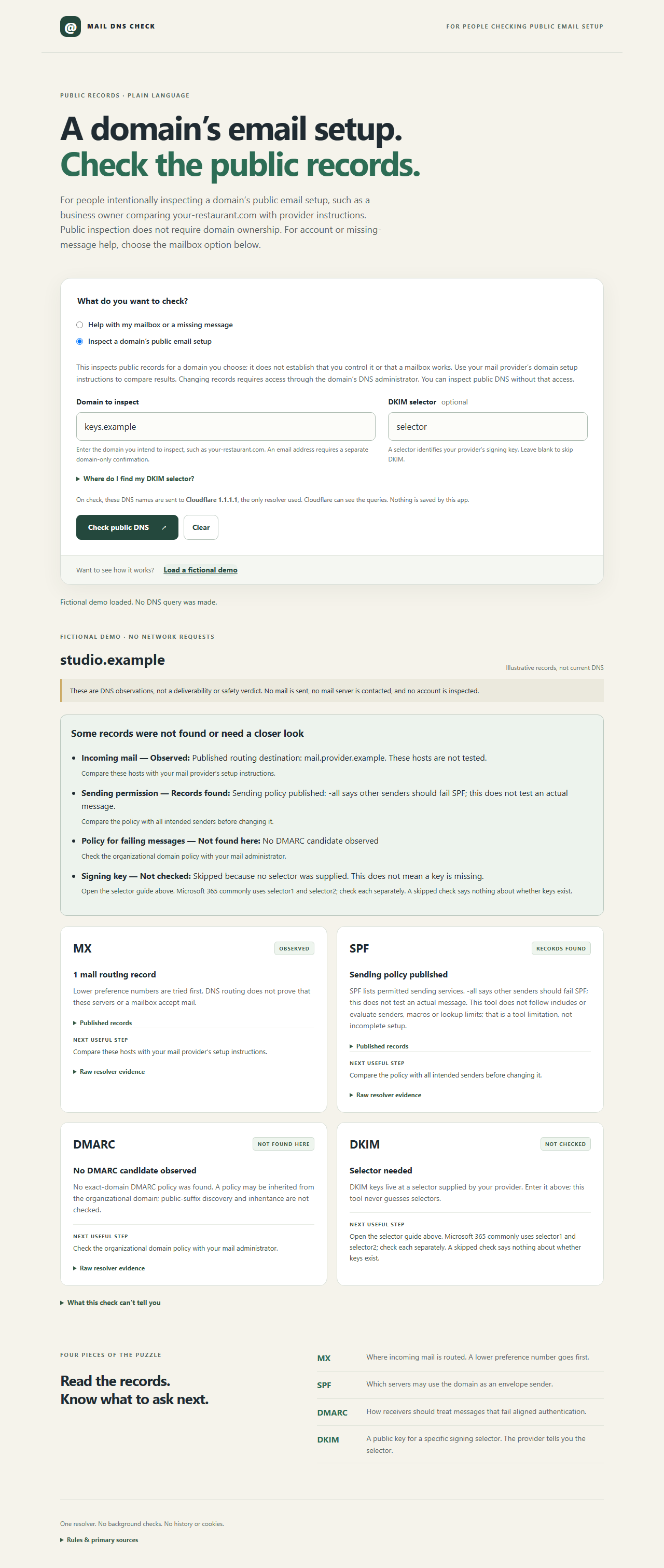
04 / DOMAINS
Inspect public MX, SPF, DMARC and optional DKIM records, with explanations of what they mean.
For domain setup, not mailbox diagnosis. Requested DNS names go to Cloudflare.
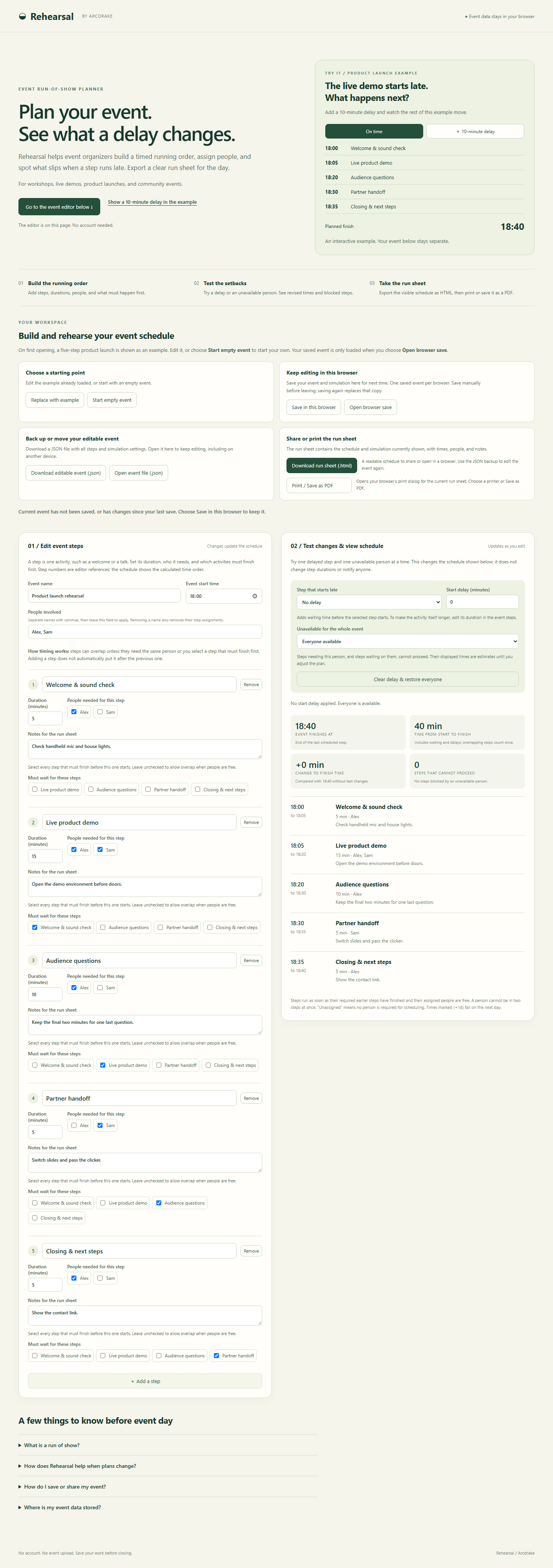
05 / EVENTS
Put the steps, people and timing in one run sheet. Simulate a setback and see what changes before the day arrives.
Saved in this browser when you choose. Export a backup or a printable run sheet.
USEFUL WITHOUT THE SIGN-UP
Images, links and event plans are processed on your device. There are no analytics or advertising scripts in these tools.
Mail DNS Check makes an explicit request to Cloudflare for the public DNS names you choose to inspect. Rehearsal can save an event in this browser; the image and link tools do not keep a history.
The website host receives page requests. Read how your data is handled